Follow the instructions in https://docu.units.it/dokuwiki/connect:vpn:vpn-it
Start from "Installazione e uso del client":
1) Download the proper version of the VPN client from https://vpn-client.units.it/
2) Set the VPN client according to the Mac (iOS) or Windows requirements (instructions in https://docu.units.it/dokuwiki/connect:vpn:vpn-it).
3) If you have a Mac, once the VPN client is connected, just open a terminal (find it using the search function, if needed). Type ssh tpcc@dscfalpha6.units.it in your prompt, say 'yes' and type the password of tpcc user.
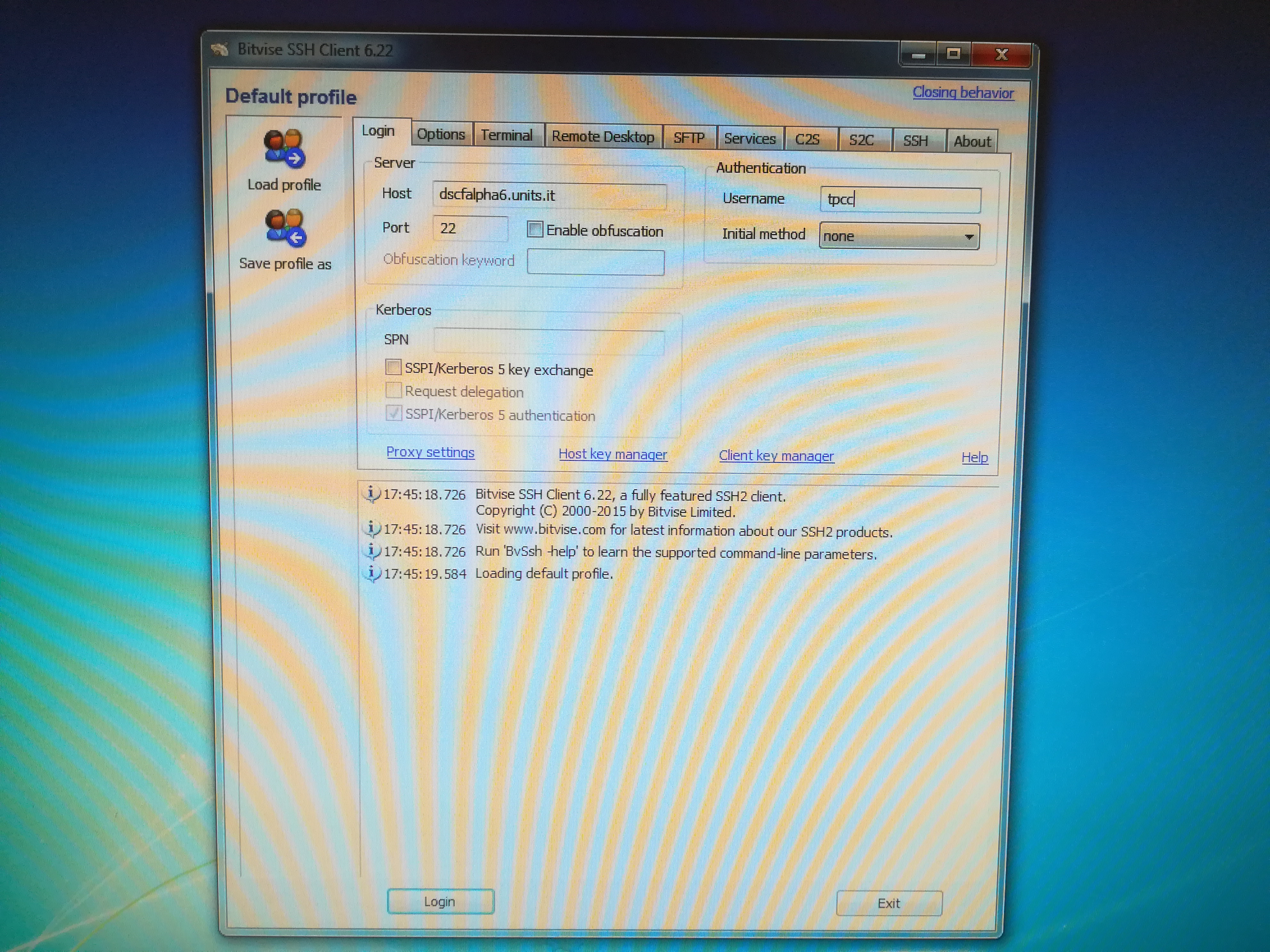
4) If you have a Windows computer, download Bitvise SSH client from https://www.bitvise.com/ssh-client-download, and install it. Then you should have a window similar to that in the picture: Host = dscfalpha6.units.it and Username = tpcc; click "Login", accept everything, finally type the password of tpcc user. You are now on the remote server.